






Internet Explorer浏览器启用Flash Player
发布时间:2023-09-10 11:31
Internet Explorer浏览器启用Flash Player

1在Internet Explorer中打开包含富媒体内容的页面。例如,某视频网站。
2单击Internet Explorer右上角的“工具”菜单

3从“工具”菜单中选择“管理加载项”

4从列表中选择Shockwave Flash Object
注意:
确保您当前网站包含富媒体内容。若当前网站不包含富媒体内容,则列表中不会显示Shockwave Flash Object
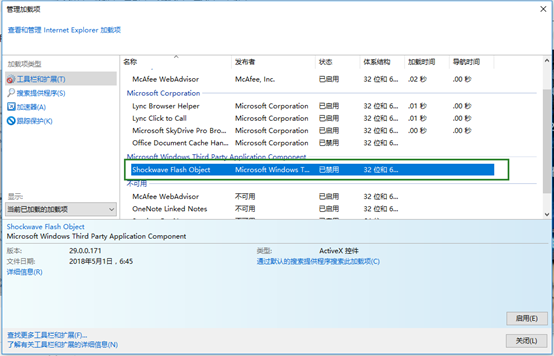
5单击“启用”,然后单击最下方“关闭”
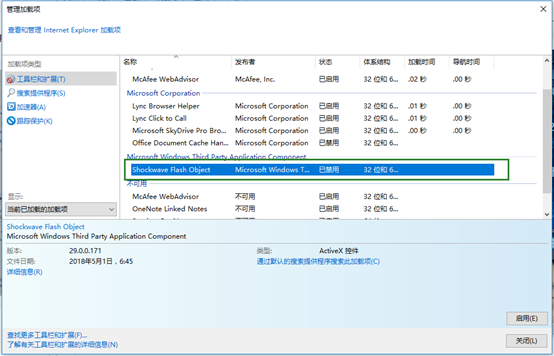
最后刷新网页。